JTM45 Build Part III - Panel
- music tech
- electronics
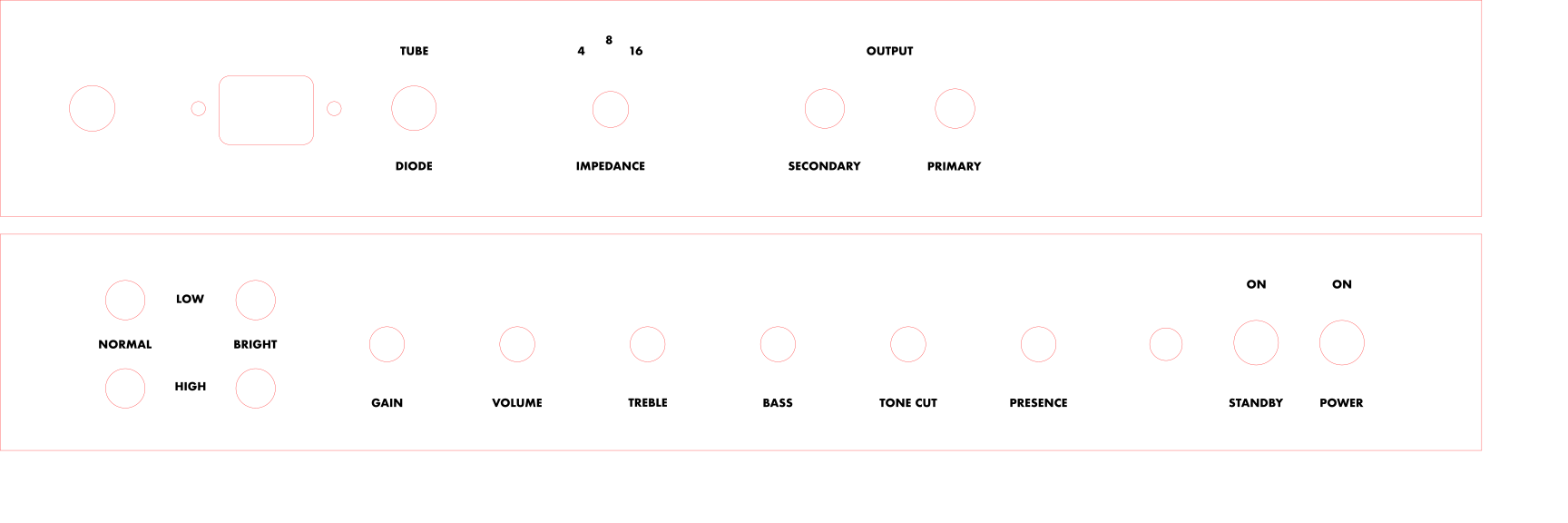
I took my project amp back to the makerspace one last time to put a new panel on it. The original kit panel is oriented for amp heads, making it backwards for my combo, and additionally the behaviors of the knobs have changed due to the mods. I started by finding an SVG that someone had made already and editing it in Inkscape. I reversed the orientation and also updated the design since I didn’t like the fonts, but it at least had the holes. I went ahead and added a switch for a solid-state rectifier in the future. The holes for the back panel weren’t exactly aligned so I had to adjust and repeat. Below is the source SVG you’re free to download and use.
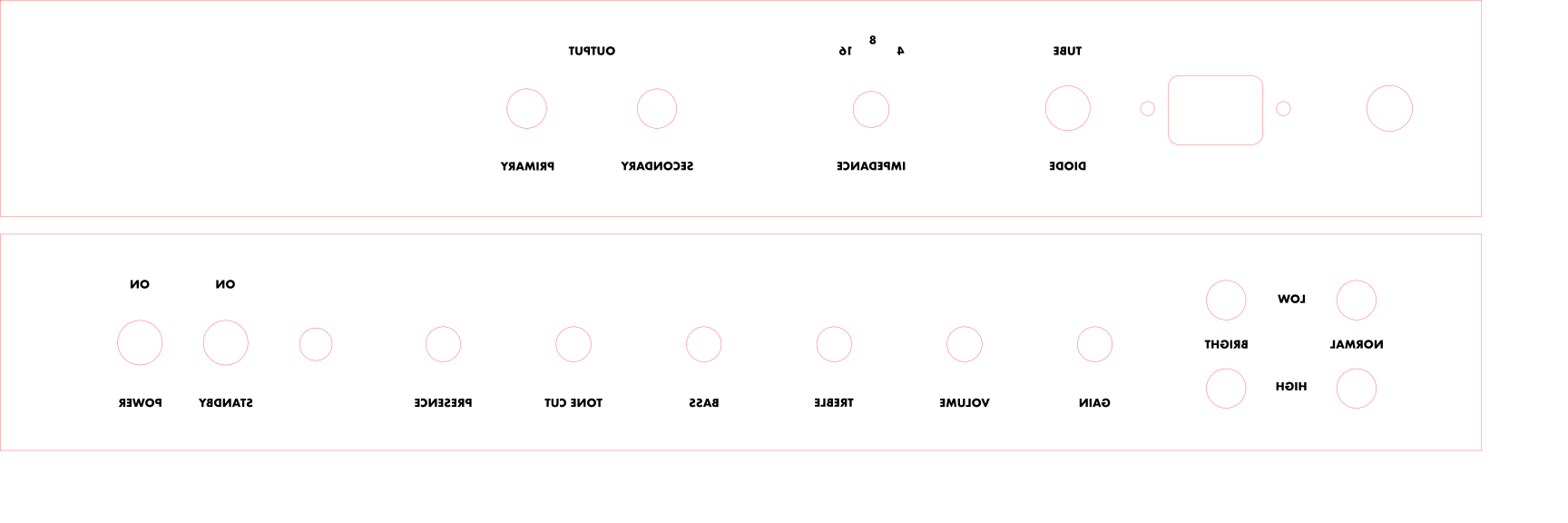
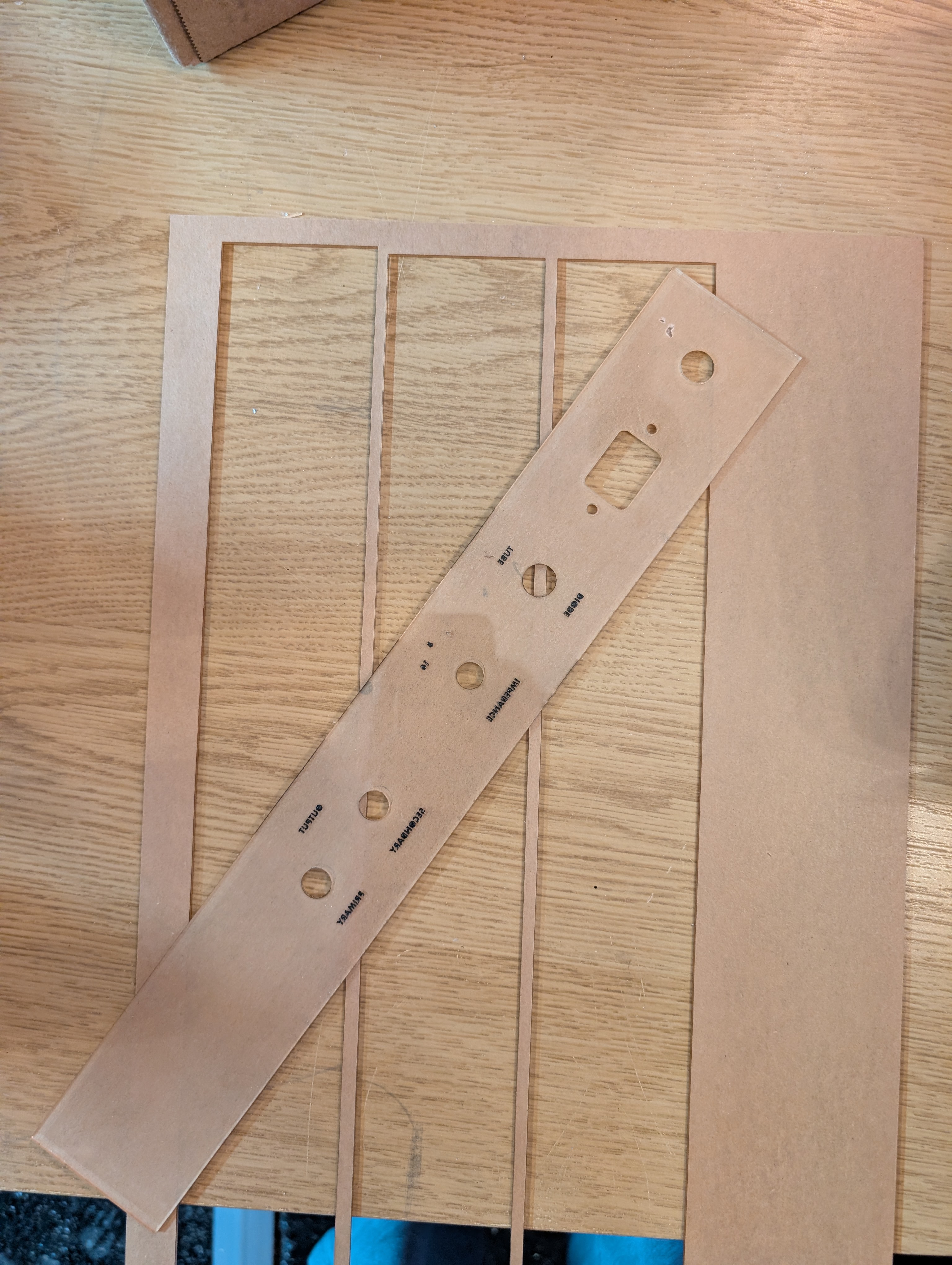
Then I used the laser cutter to cut the holes and etch the text into some clear 1/16” acrylic. I mirrored the design horizontally so that the text was etched into the back of the panel piece. I left the protective sticker on during the cut. That way it acted like a stencil for the text. I used black spray paint to fill in the text. Once it dried, I removed the sticker and painted the background in gold.
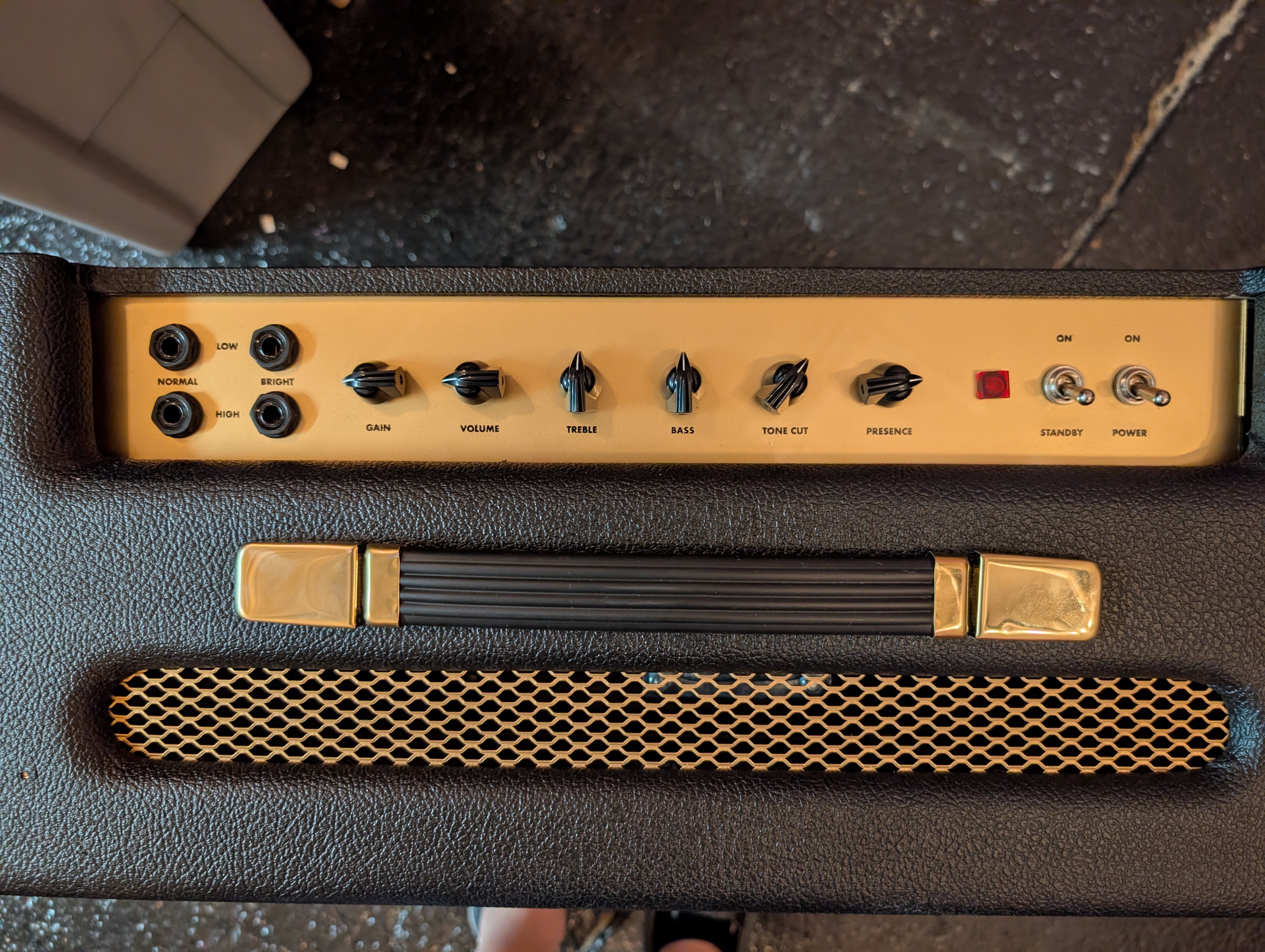
Finally I replaced the original kit knobs with some chicken-head knobs which I felt were more in-line with a Vox amp. I kept the black and gold of the Marshall though since it matched the combo.
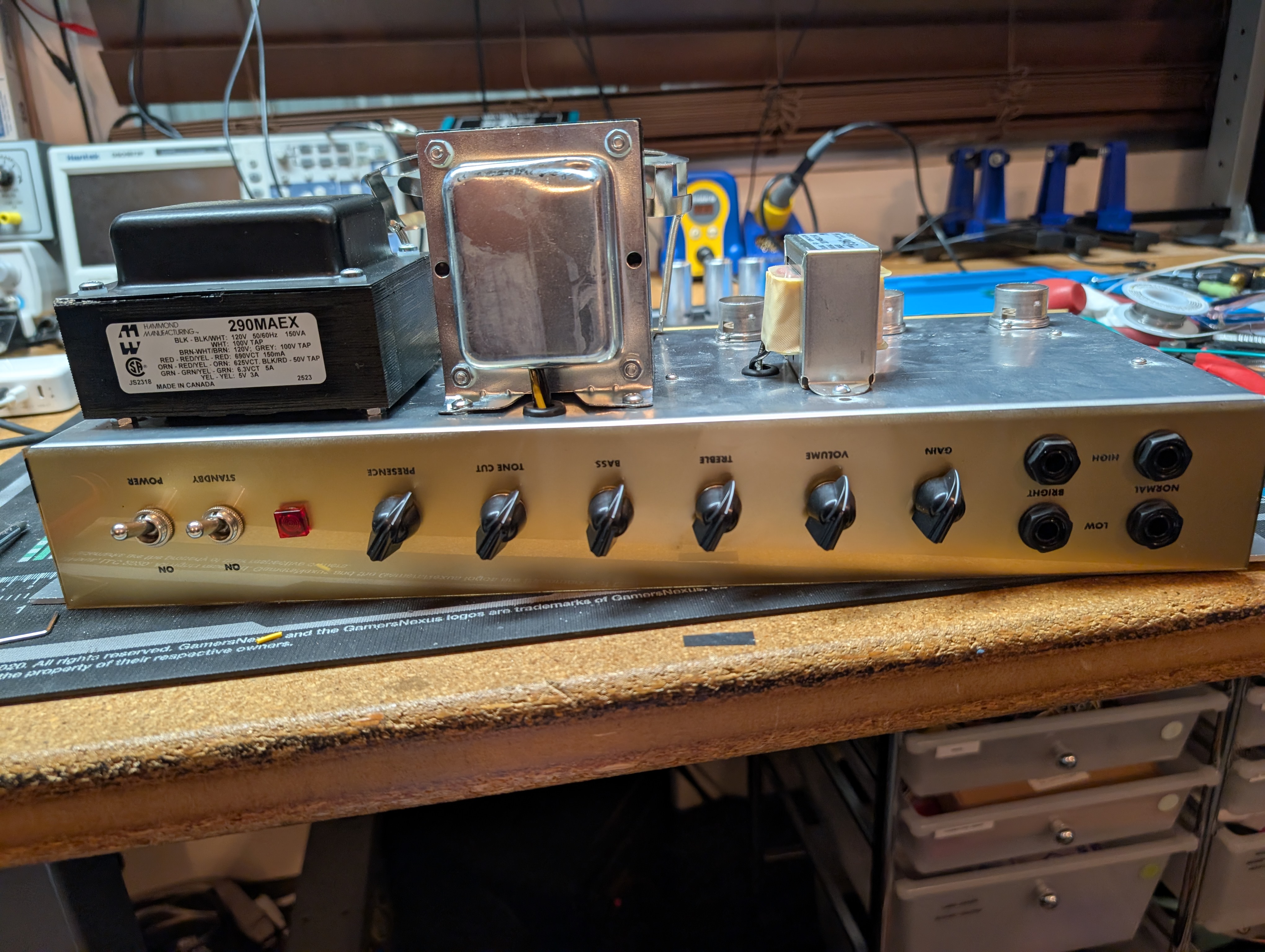
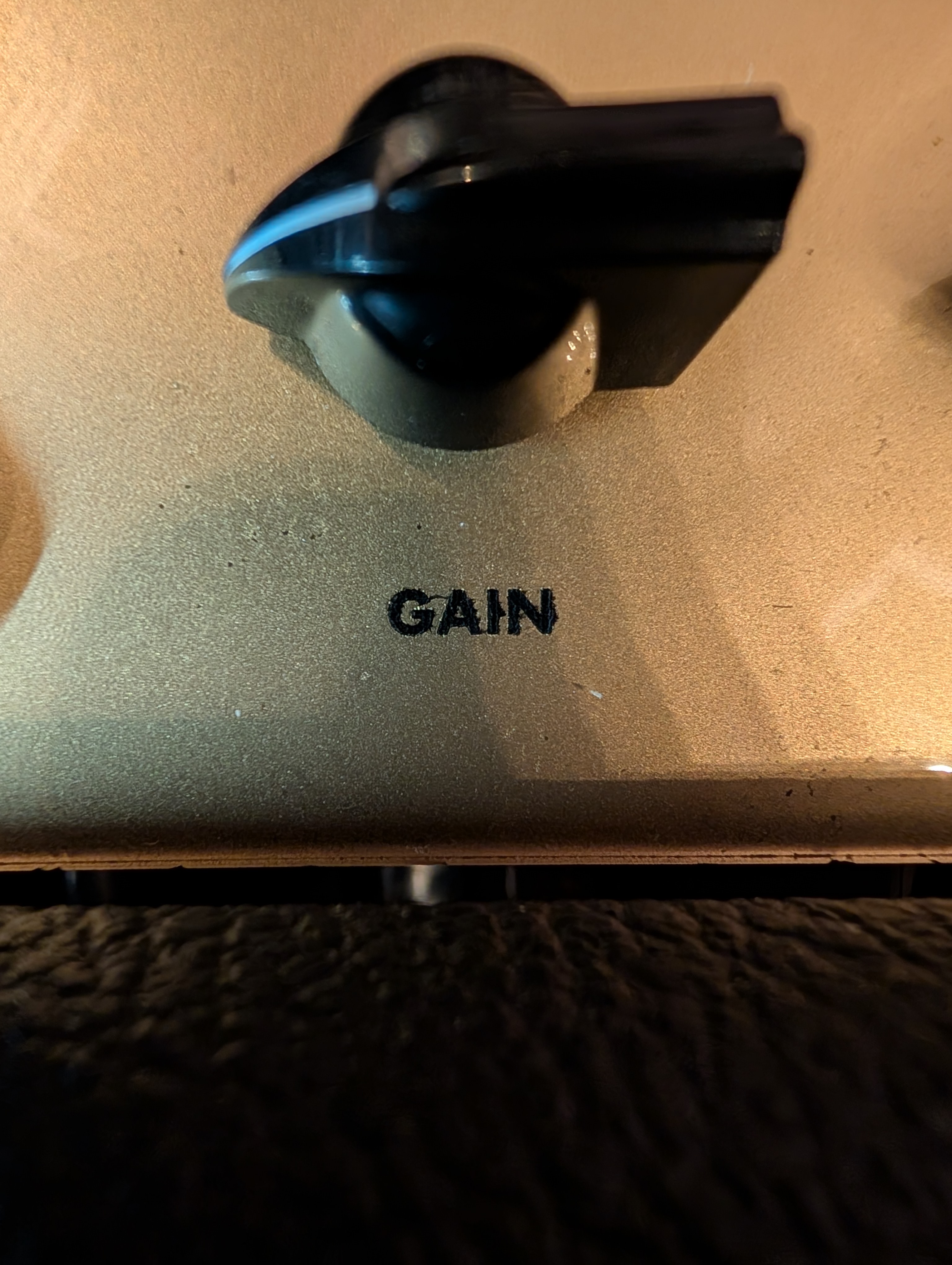
It turned out good enough. Close up you can see the bleed of the black ink, but from far away it isn’t noticeable. I tried using alcohol and q-tips to remove any bleed before applying the gold paint but it wasn’t quite enough. I’m not sure if these are the result of the paint getting underneath the sticker or from small cracks created during the etching process. In the future, I could try pre-sealing these with a lacquer before painting, or using something other than spray paint to fill the letters (I’d tried black marker previously but it didn’t saturate sufficiently).